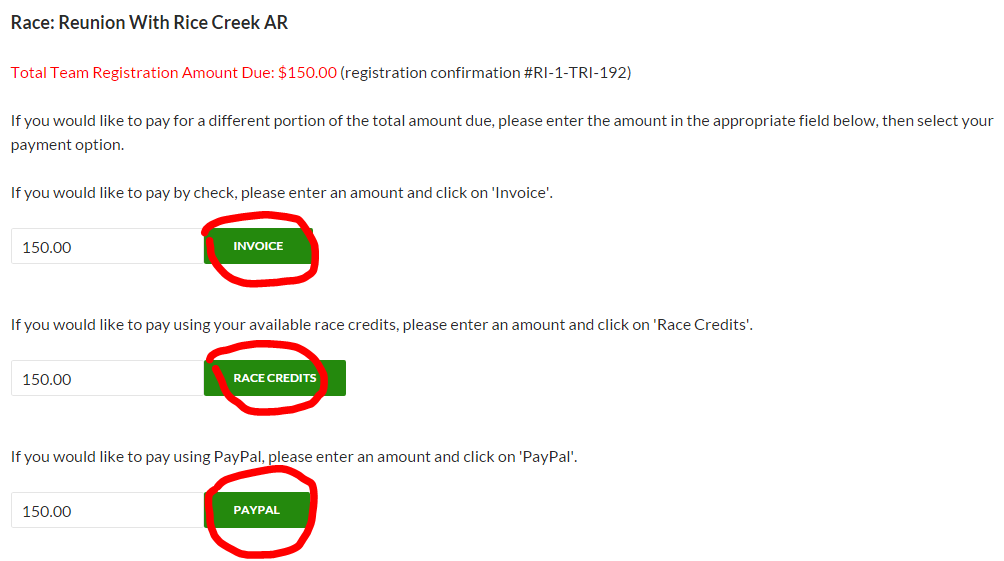
Here are the very easy steps to follow in order to pay an open balance on a race…
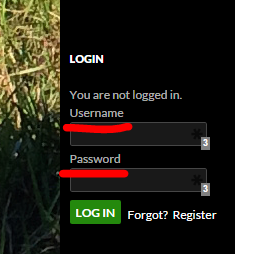
1. Log into your FLX account (if you don’t have one, you will need to create/register one).
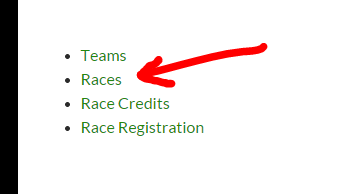
2. Click on ‘Racer Profile’.

3. Click on ‘Races’.
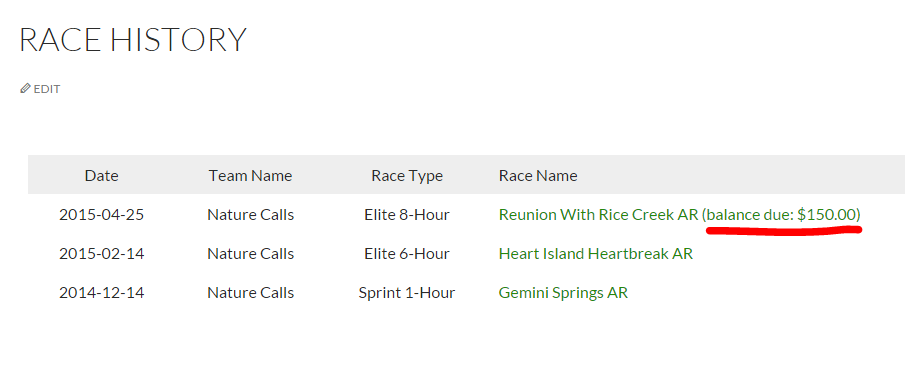
4. If any of your races have a balance, they will display a ‘balance’ link.
5. Clicking on the ‘balance’ link will take you to the race payment screen where you can choose from several payment. You can choose to pay the entire balance, or just a portion of the balance. This makes it easy for all team members to pay for their own portion of the race separately.
The Race Credits option will only display if you have Race Credits available.